A timer always in view
A compact floating timer on top of every window: progress ring, time left, your intention and one-click controls.
Stillcraft / Apps / FocusShield

Most focus apps are a timer with good intentions. FocusShield is built on friction: once a session starts, the distracted path gets slow and deliberate.
Windows 10 / 11 · Free · 100% local · English & Русский
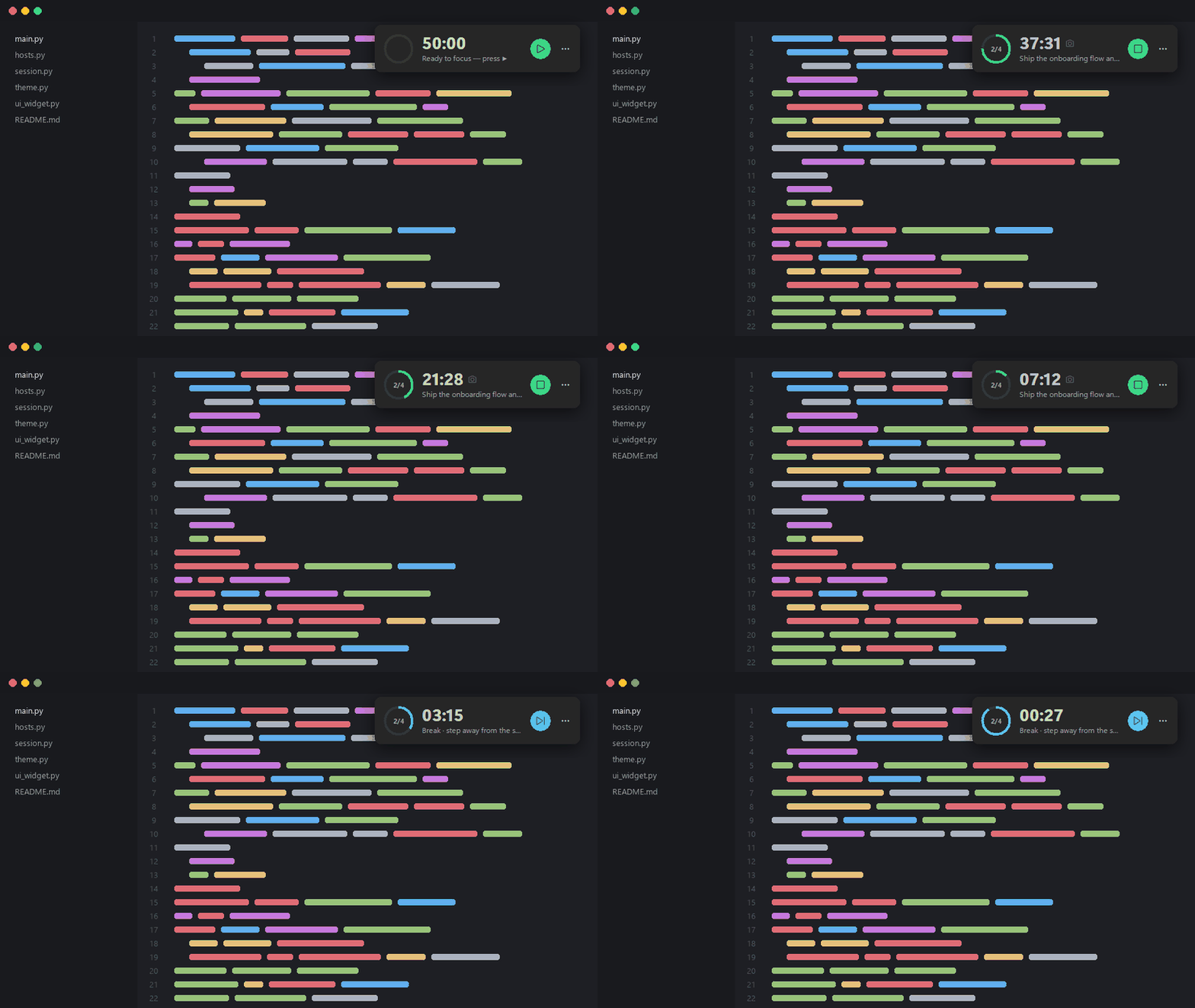
A compact floating timer on top of every window: progress ring, time left, your intention and one-click controls.
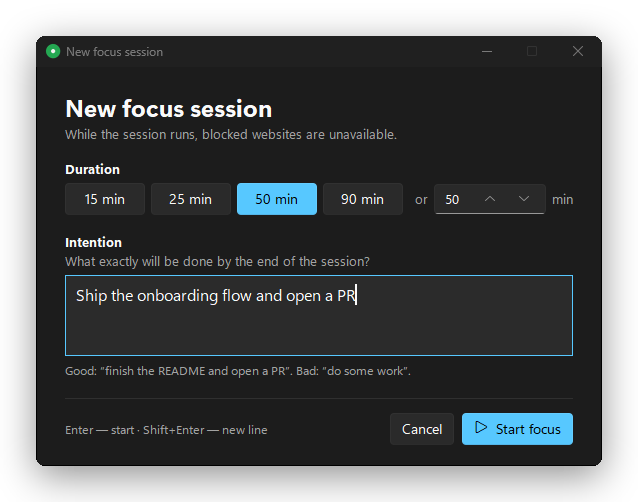
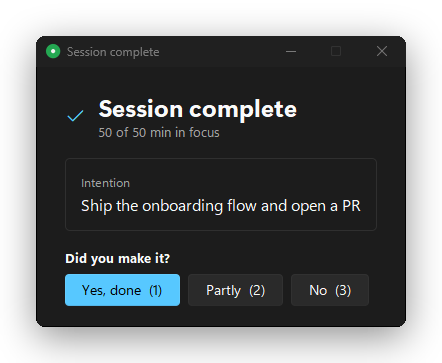
Every session starts with what exactly will be done and ends with one question: did you make it?
Domains on your list go nowhere, system-wide. DNS-over-HTTPS servers are blocked too.
Closes a YouTube tab by its title, even through a proxy or VPN. A search for “how to block youtube” is left alone.
Chosen apps close during focus and chosen folders can't be opened. System folders are refused on purpose.
Pick the apps you work in. Wander off and they come back to the front.
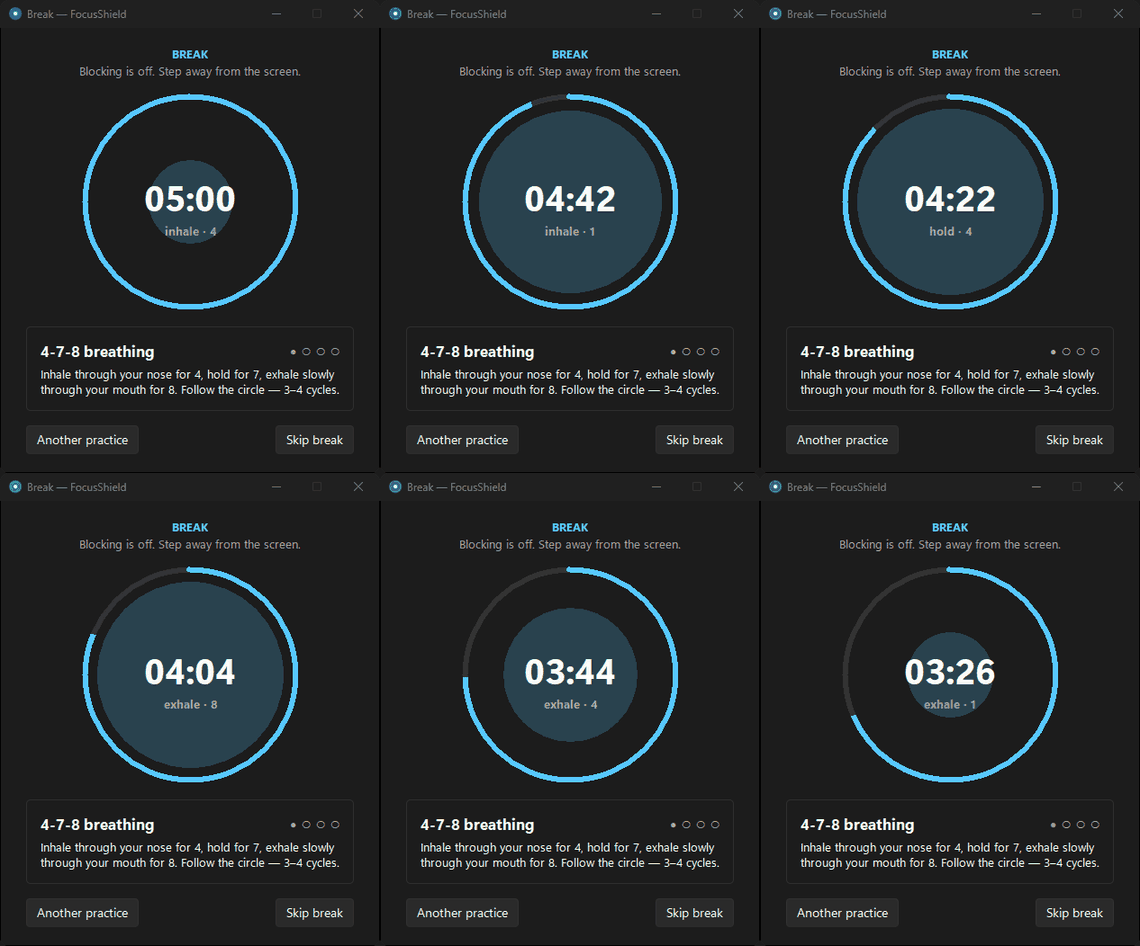
4‑7‑8 breathing with an animated circle, the 20‑20‑20 eye rule, a stretch and a glass of water.
An optional mascot grows a leaf with each pomodoro, sweats in the last minute and blooms on the long break.
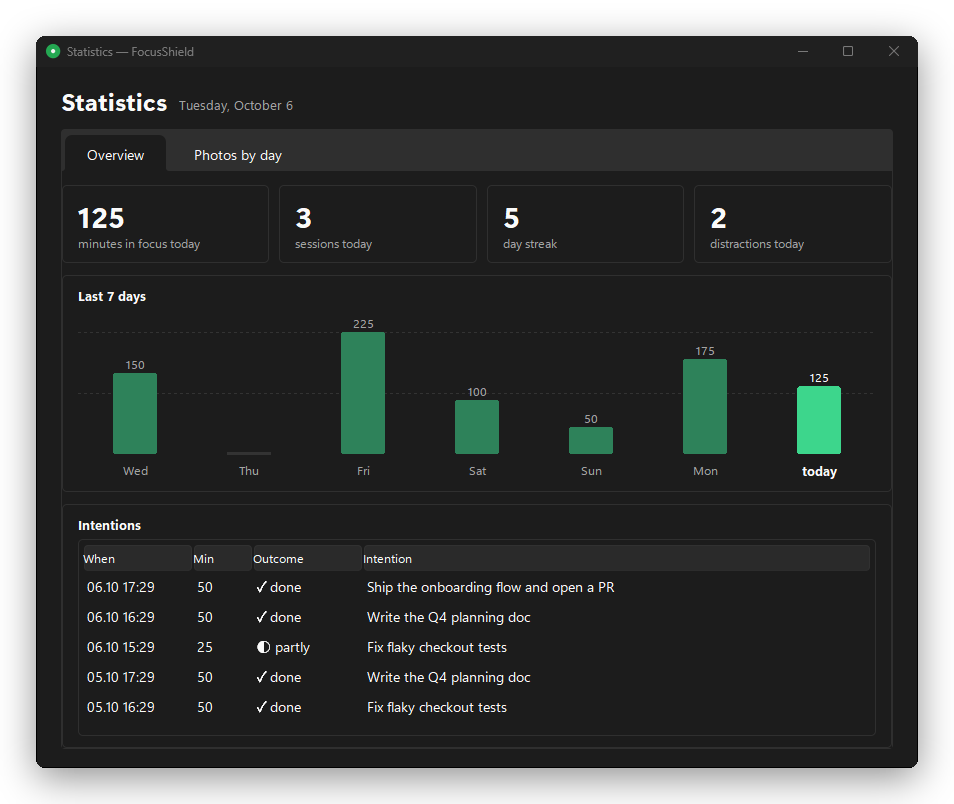
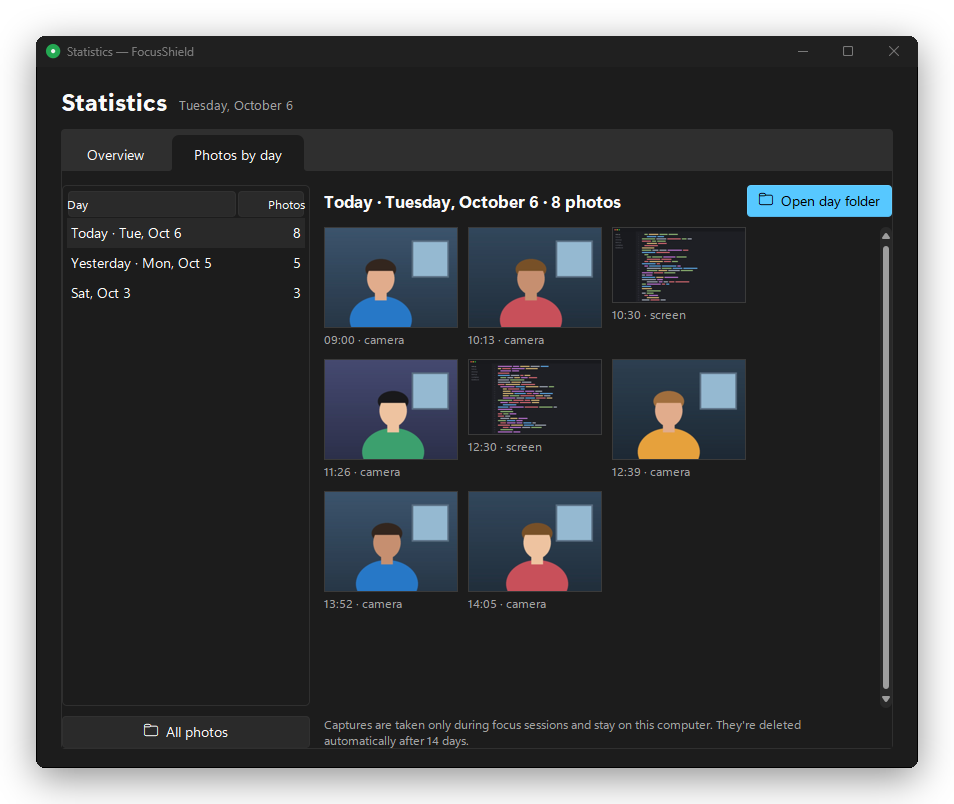
Optional webcam and screen captures during focus, stored by day. Minutes, streaks and every intention with its outcome.

| Layer | What it does | Through proxy / VPN |
|---|---|---|
| Websites | Domains resolve to 0.0.0.0 via the hosts file; DNS-over-HTTPS servers are blocked | No |
| Tab guard | Closes a tab whose title contains a keyword, YouTube by default | Yes |
| Apps | Processes on your list are closed during focus | Yes |
| Folders | An NTFS deny-read rule: every program gets “access denied” | Yes |
The exe isn't code-signed, so Windows may say “Windows protected your PC”. Click More info → Run anyway. Every release is built from source by GitHub Actions and ships with a .sha256 checksum.
Python 3.10+ from python.org, with tkinter.
git clone https://github.com/bigdevwhale/focus-shield.git
cd focus-shield
python install.py   # run from source, with autostart
python build.py     # or build dist\FocusShield.exe
With a proxy, domain names are resolved by the proxy and the hosts file is never asked. That's what the tab guard is for: it works on window titles. Keep it on in Settings → Tab guard.
Run FocusShield.exe --unblock, or remove everything with FocusShield.exe --uninstall. Your original hosts file is backed up as hosts.focus-shield.bak.
Of course. Anyone with an admin terminal can kill a process. FocusShield is friction, not armor, and friction is usually all it takes.
No. There are no network calls in the code. Captures are deleted after the retention period you set, 14 days by default.
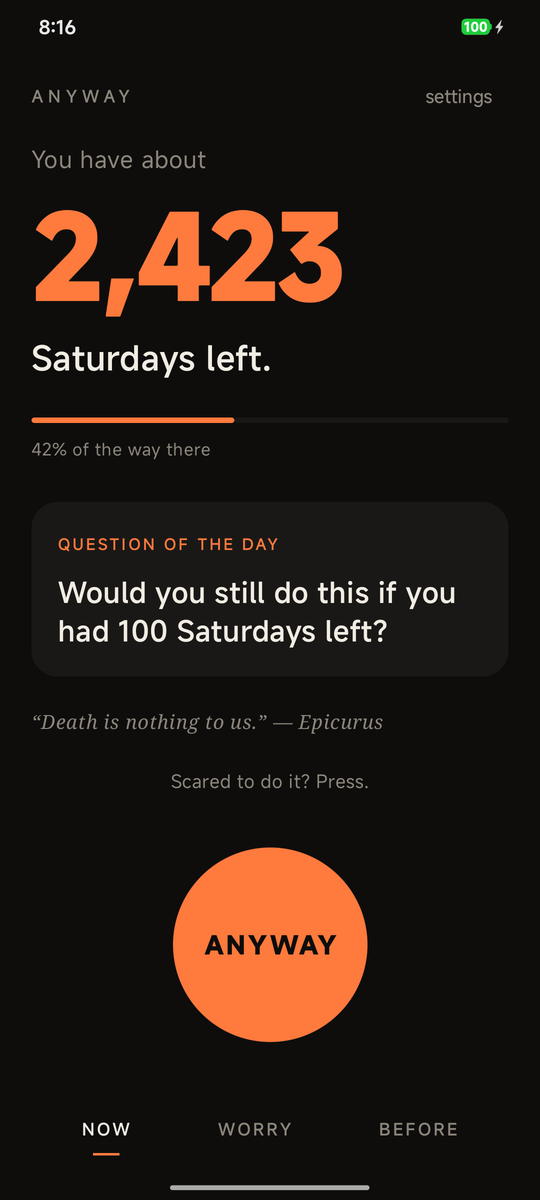
How many Saturdays you have left, and what you'll do with them.
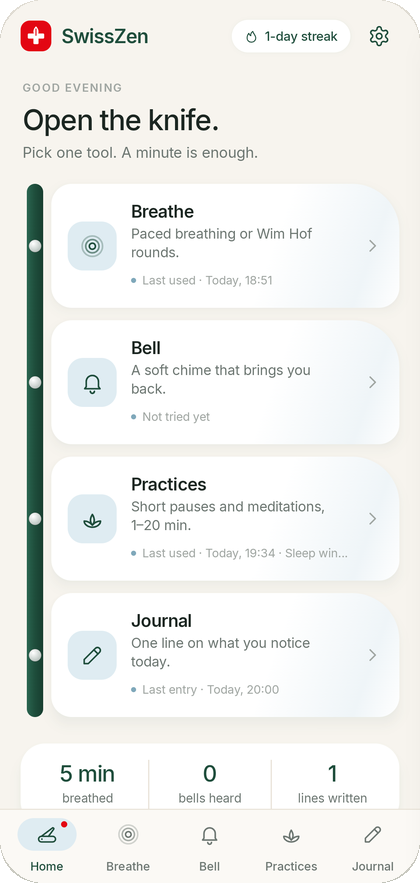

The mindfulness multi-tool: breathing, Wim Hof, a bell, practices and a journal.
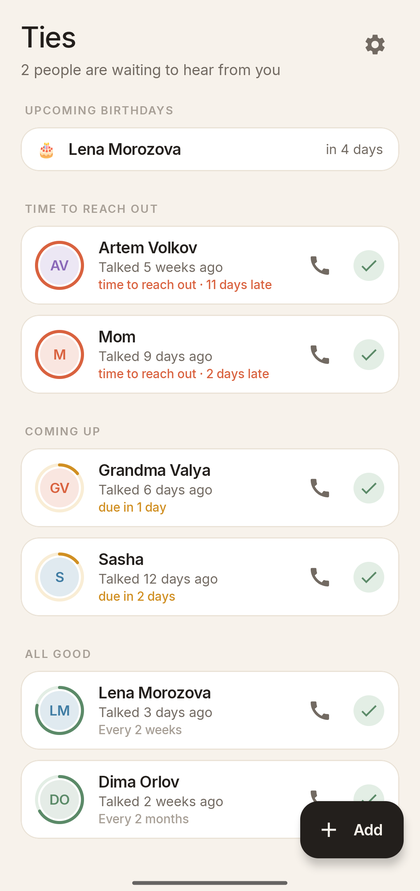

Don't drift apart from the people who matter.
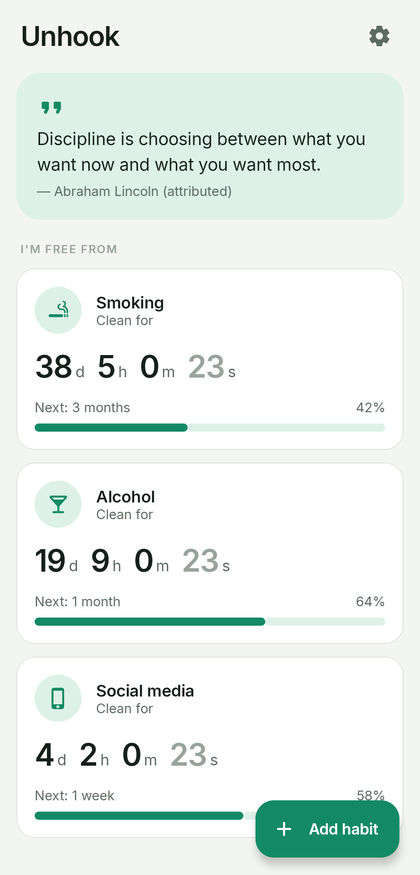

Quit a habit, one day at a time.
Found a bug, missing a feature, or want it in your language? Tell us on GitHub.
Open an issue